


If you manage a Facebook Page, you can share updates from Facebook to Twitter including what types of updates to share: status updates, links, photos, notes, events or all of them. If you have multiple Pages, you will have the option to link each of those Pages to different Twitter accounts.
Find this feature at http://www.facebook.com/twitter or
Under Edit Page>Editing>Edit settings>Resources
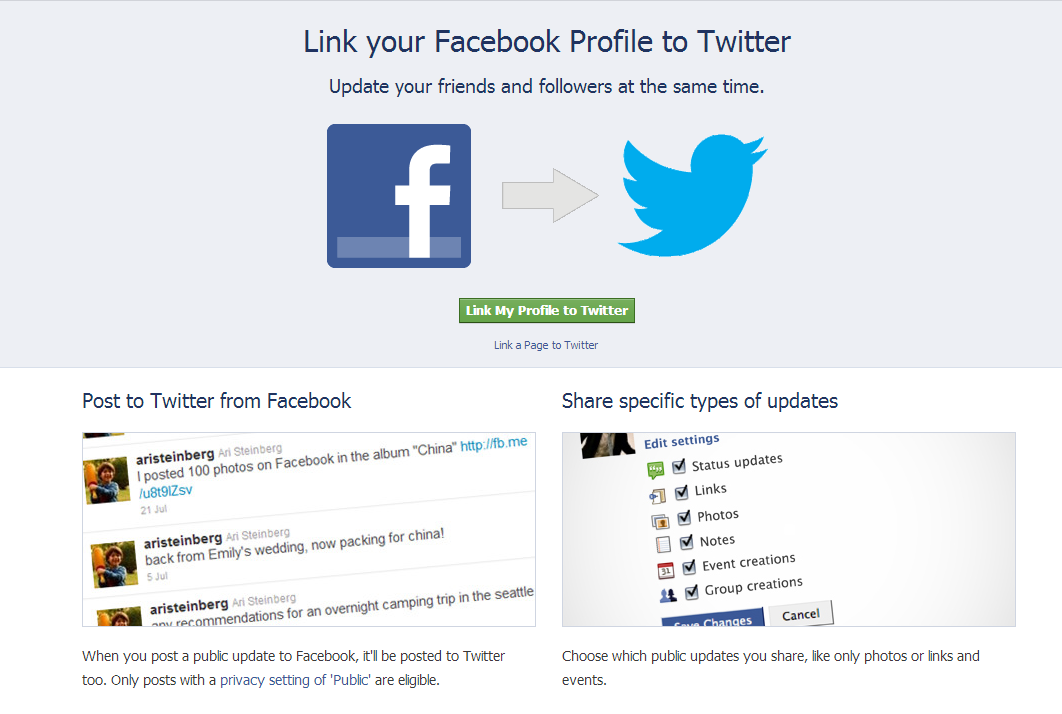
Allow facebook to post to Twitter (if you are already logged in to Twitter, you will only have to click on Authorize App.

Choose what you want to share (remember it is only public posts) :

Edit Page>Editing>Edit settings>Resources
Edit settings (use check boxes to select/unselect)
Unlink to Twitter to remove process.
If the Unlink to Twitter doesn’t work, you can also try remove the authorization via Twitter.